Search for answers or browse our knowledge base.
Brand and customize your invitations
In your Lipscore account: Settings > Invitation setup > Email settings > open the Previews and edit design in the graphic editor or/and the texts by clicking the Edit button.
How you brand and customize the invitations plays an important role in whether your shoppers will or will not feel encouraged to share their opinions with you. When a new account is created, the invitations have no branding at all and default texts are used. Taking into consideration that the 21st century online shopper receives a lot of review requests, making your invitations catchy and personal seems like a must.
Best Practices For Brading Invitations
- Upload logo – for the sake of immediate recognizability;
- Consider adding a banner – to make the invitation more visually attractive. Banner is not a must – if you prefer simplicity and this is what guides your website design, stick to it;
- Use colors from your website’s color palette;
- For the button in invitation, choose the same color that you are using for CTA (call-to-action) buttons on your website;
- Unless this matches closely your website design, do not use heavy colors or gray for inner background – such invitations tend to have worse response rates;
- If you are seding out email updates to your customers in the order processing period, make the Lipscore invitations look similar to these automatic emails.
Long story short – make the invitations look as natural as possible to your shoppers, so that they are perceived as an integral part of the shopping experience.
Examples Of Branded Invitations
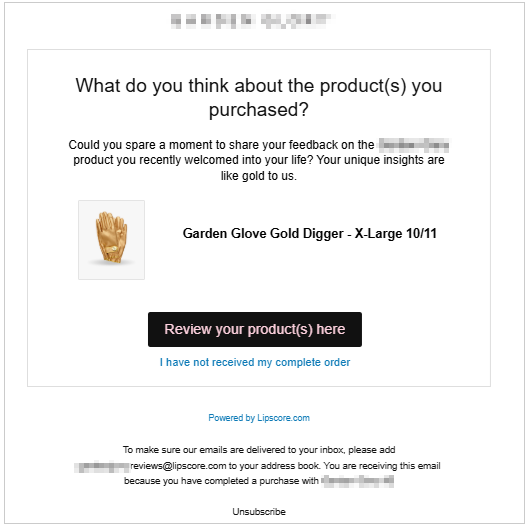
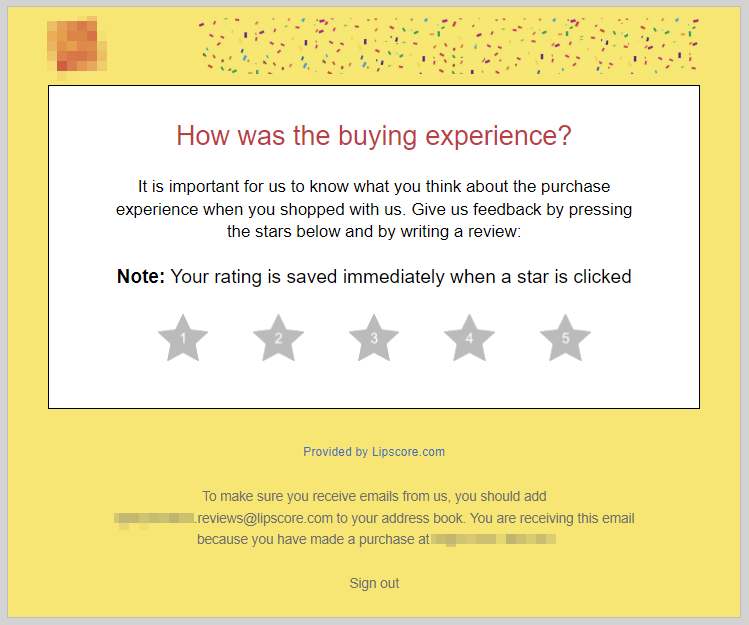
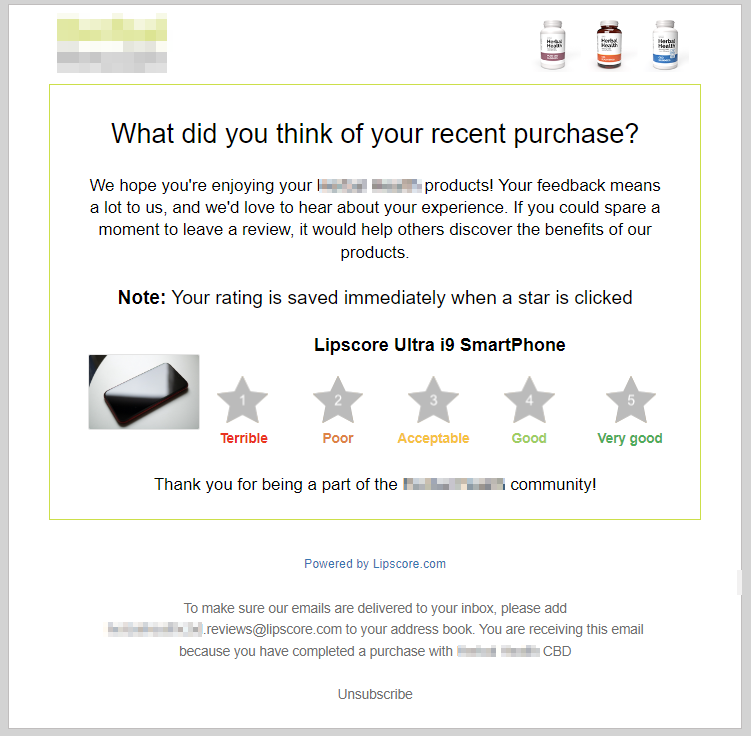
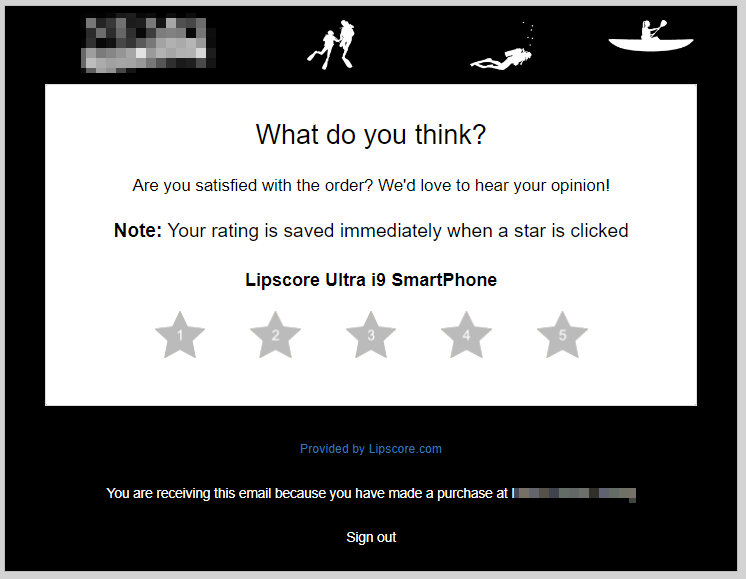
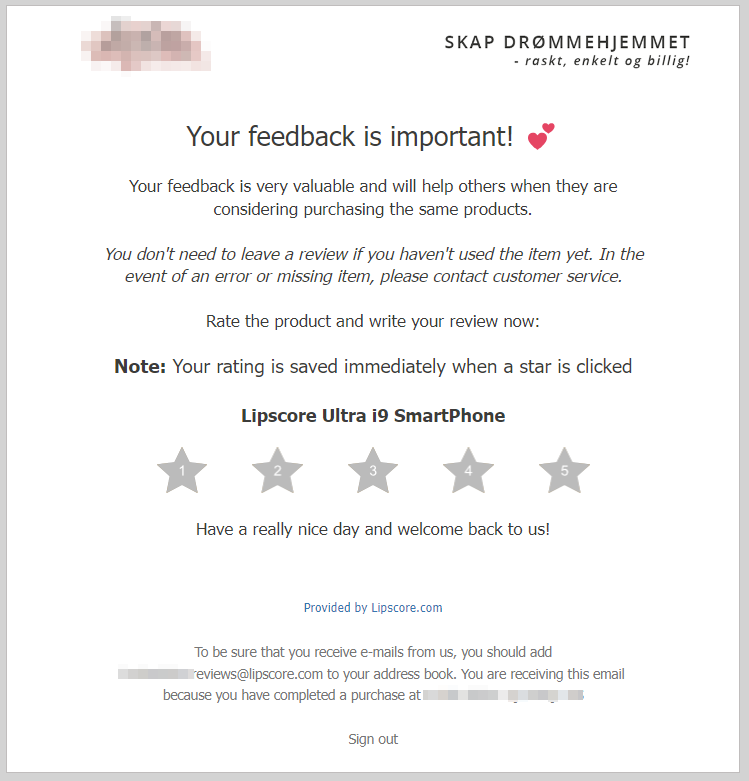
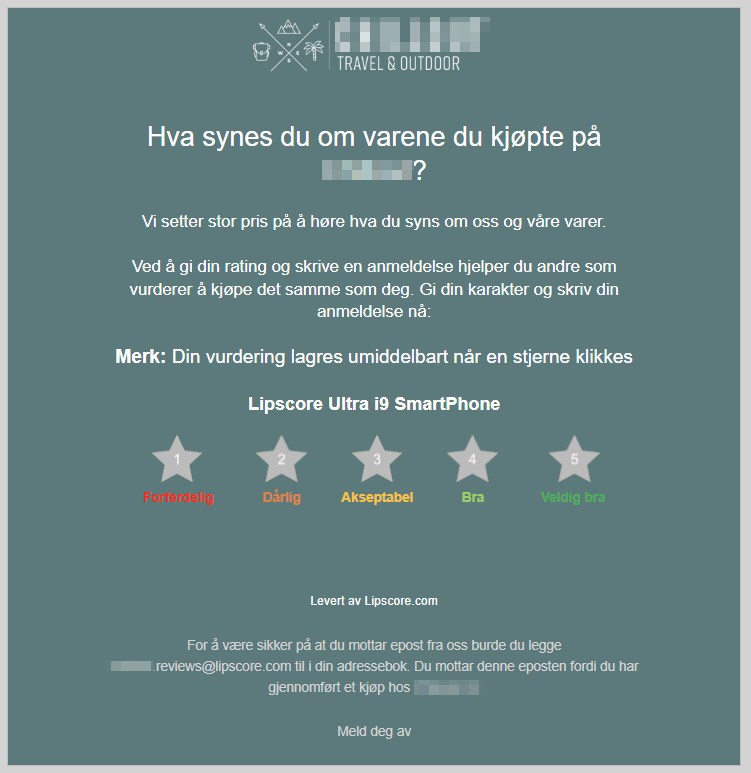
Best Practices For Customizing Invitations Texts
- Make sure the invitation text reflects your brand’s Tone of Voice.
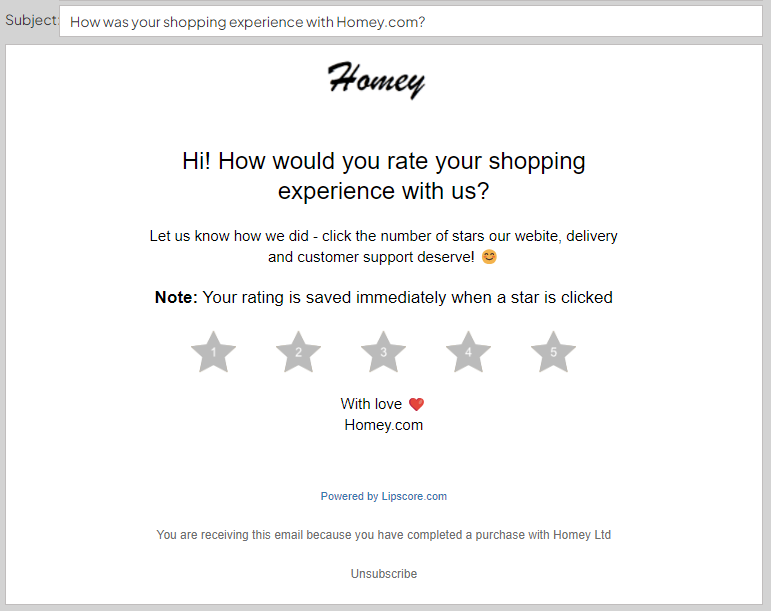
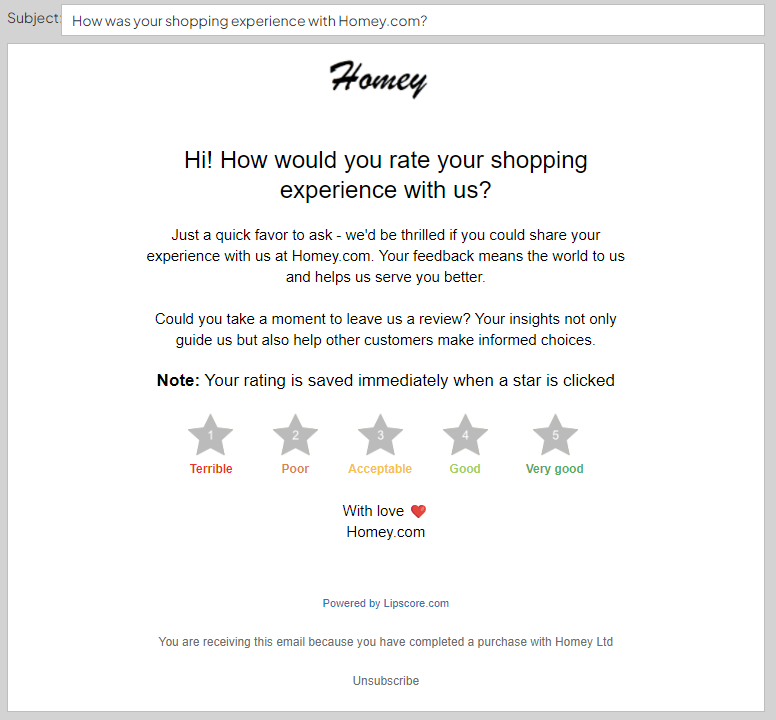
- Make the invitations sound friendly and encouraging: You can start with “Hi”, come up with short and catchy copy, add greetings at the end of the message. If it matches with your brand’s communication, you can use emojis (but carefully, don’t overdo it not to trigger spam filters).
- Keep the text short and to the point – all the elements of the text should point at the CTA (call to action) – starting from subject line, through the heading and body text, ending on the button text.
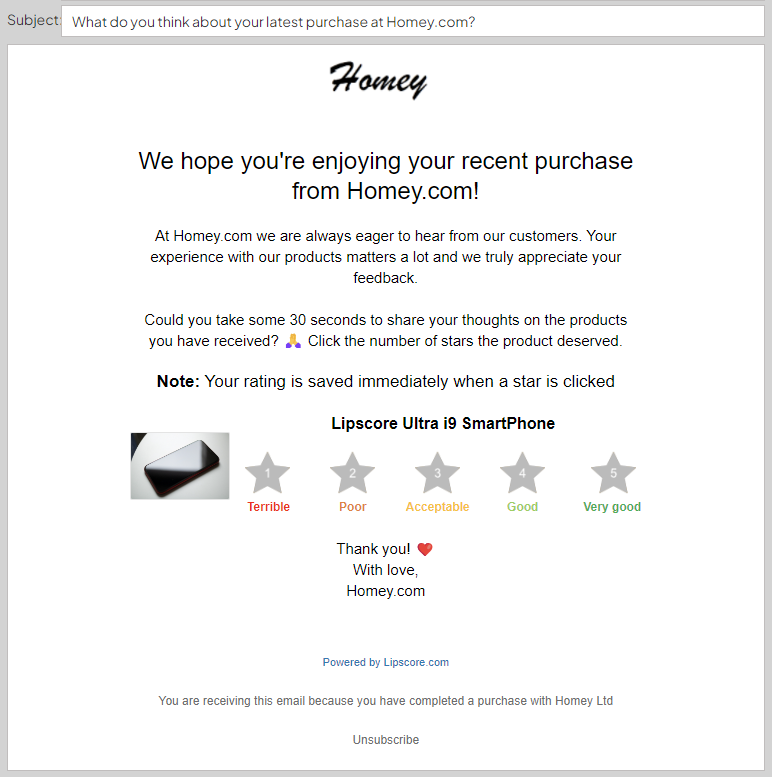
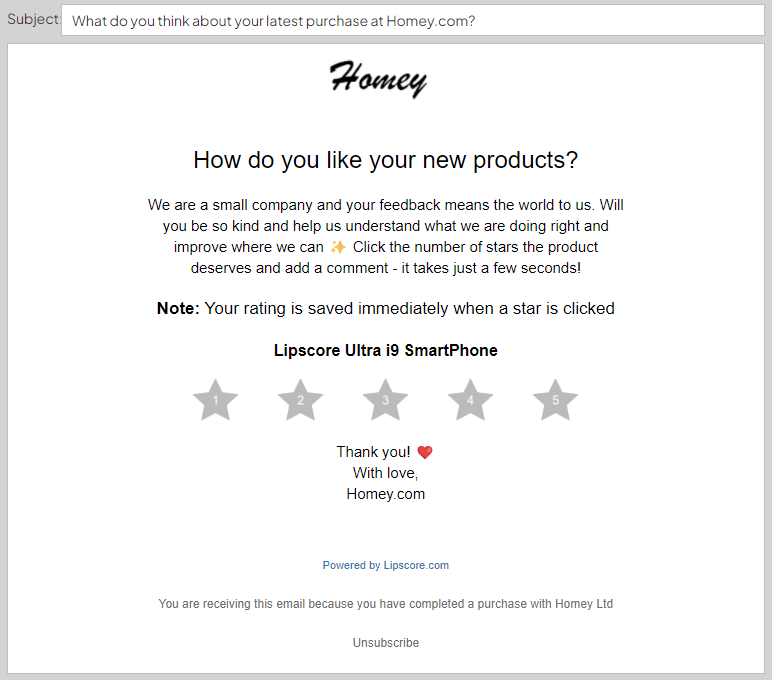
Examples Of Customized Invitation Texts
Product review invitation 1
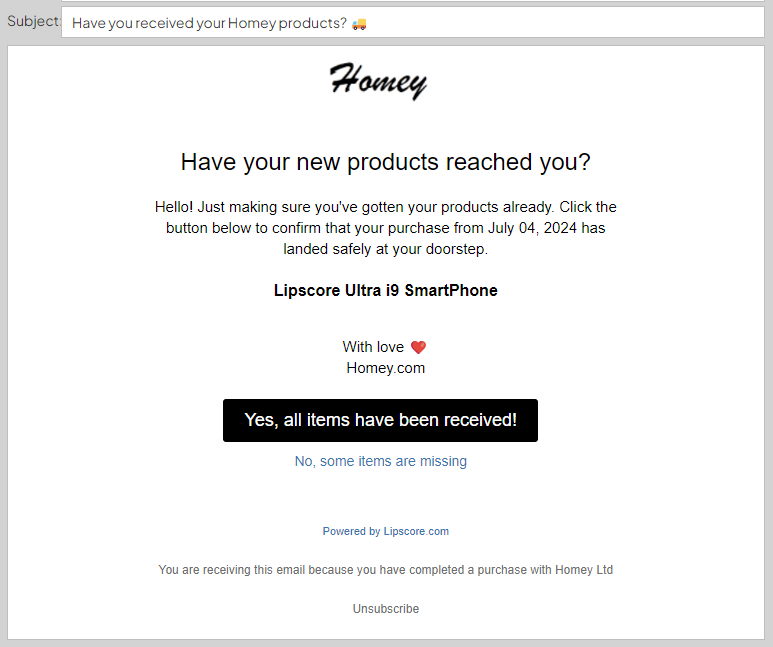
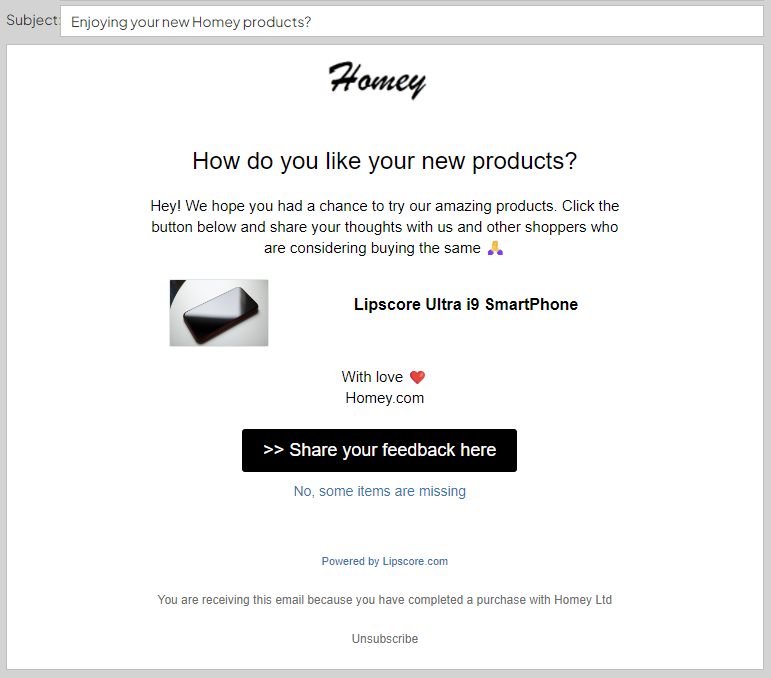
Product review invitation 2
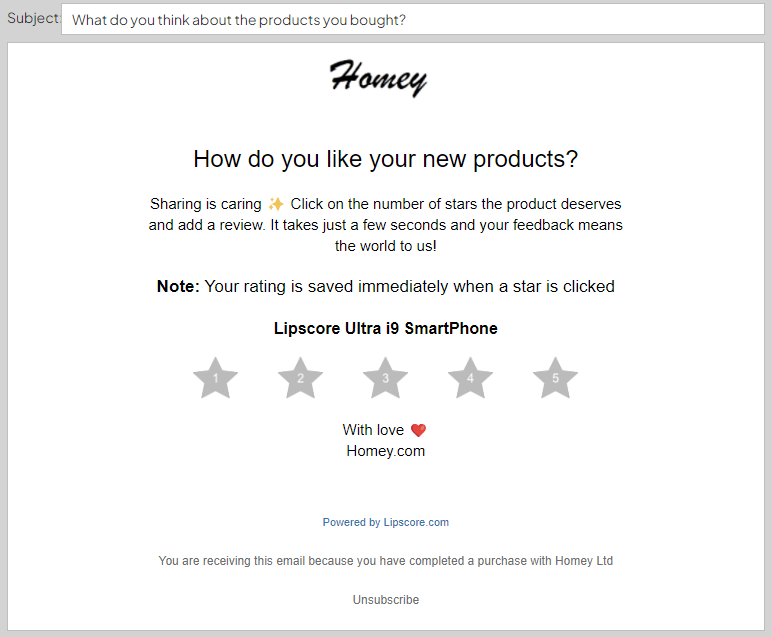
Service review invitation