Real Reviews by Lipscore
Skip to main content
How Can We Help?

Search for answers or browse our knowledge base.

Print

Basic CSS codes library

In your Lipscore account: Widgets > Global settings > Theme settings

Theme settings is where you can apply changes to the CSS of all Lipscore widgets. Some styles are there and only need adjustments, some need to be added from scratch.

We prepared a few basic codes you can use for simple customizations of the Lipscore widgets.

Change the colour of the stars 

Paste the color code after #, copy the whole code and paste it in the Themes code box.

/* Changed rating star colour  */ 
.lipscore-rating-star { 
fill: #000000;
} 
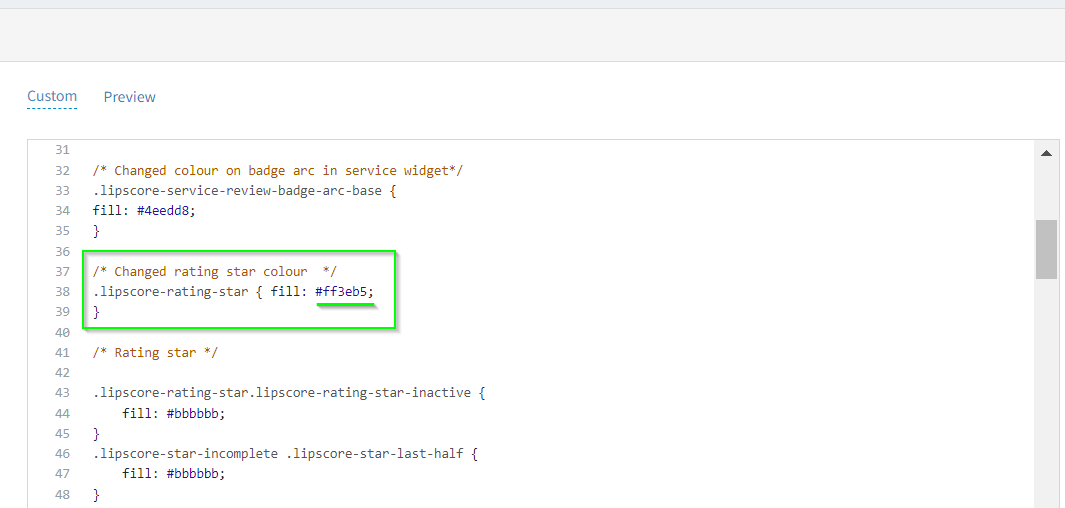
Custom CSS editor showing the rating star color set using the .lipscore-rating-star class.

How it should look in the Themes code:
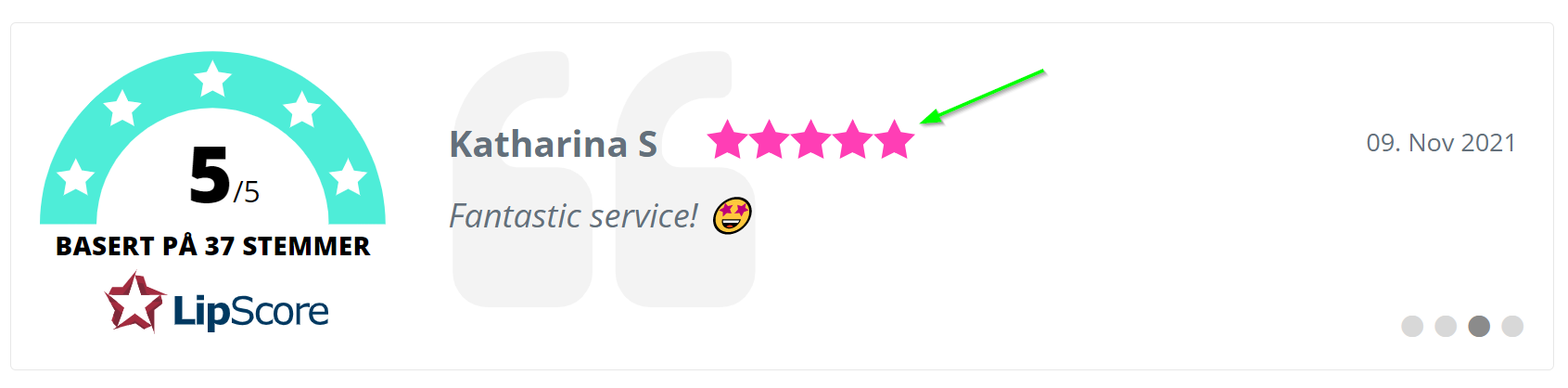
Service review widget showing a 5 out of 5 rating with customized pink rating stars.
Change the colour of the arch in Service reviews testimonial Banner or Badge

Paste the color code after #, copy the whole code and paste it in the Themes code box.

/* Changed colour on badge arc in service widget*/
.lipscore-service-review-badge-arc-base {
fill: #000000;
} 

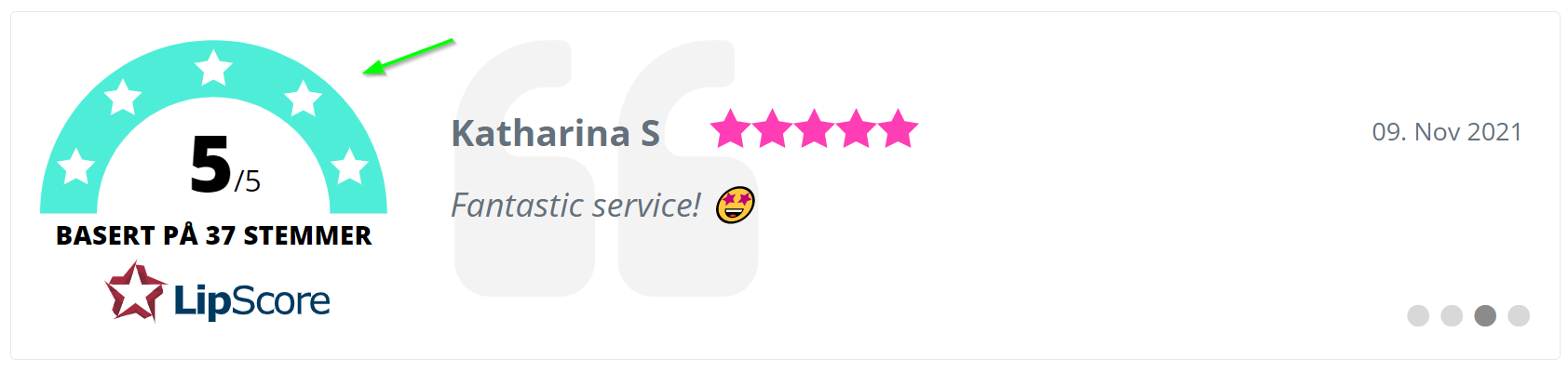
How it should look in the Themes code:
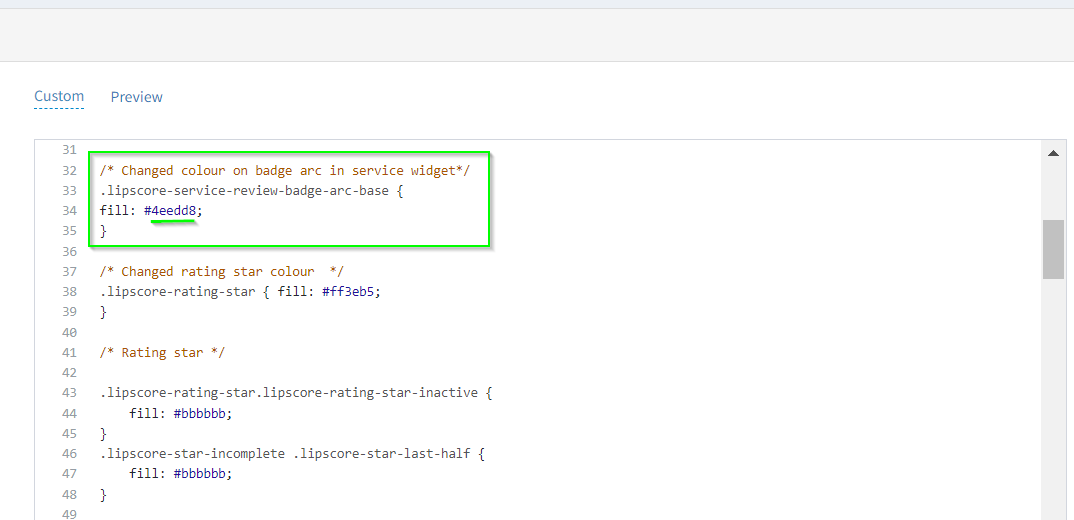
Custom CSS editor showing the service review badge color set using the .lipscore-service-review-badge-arc-base class.
Service review widget showing a customized turquoise rating badge with a 5 out of 5 score.
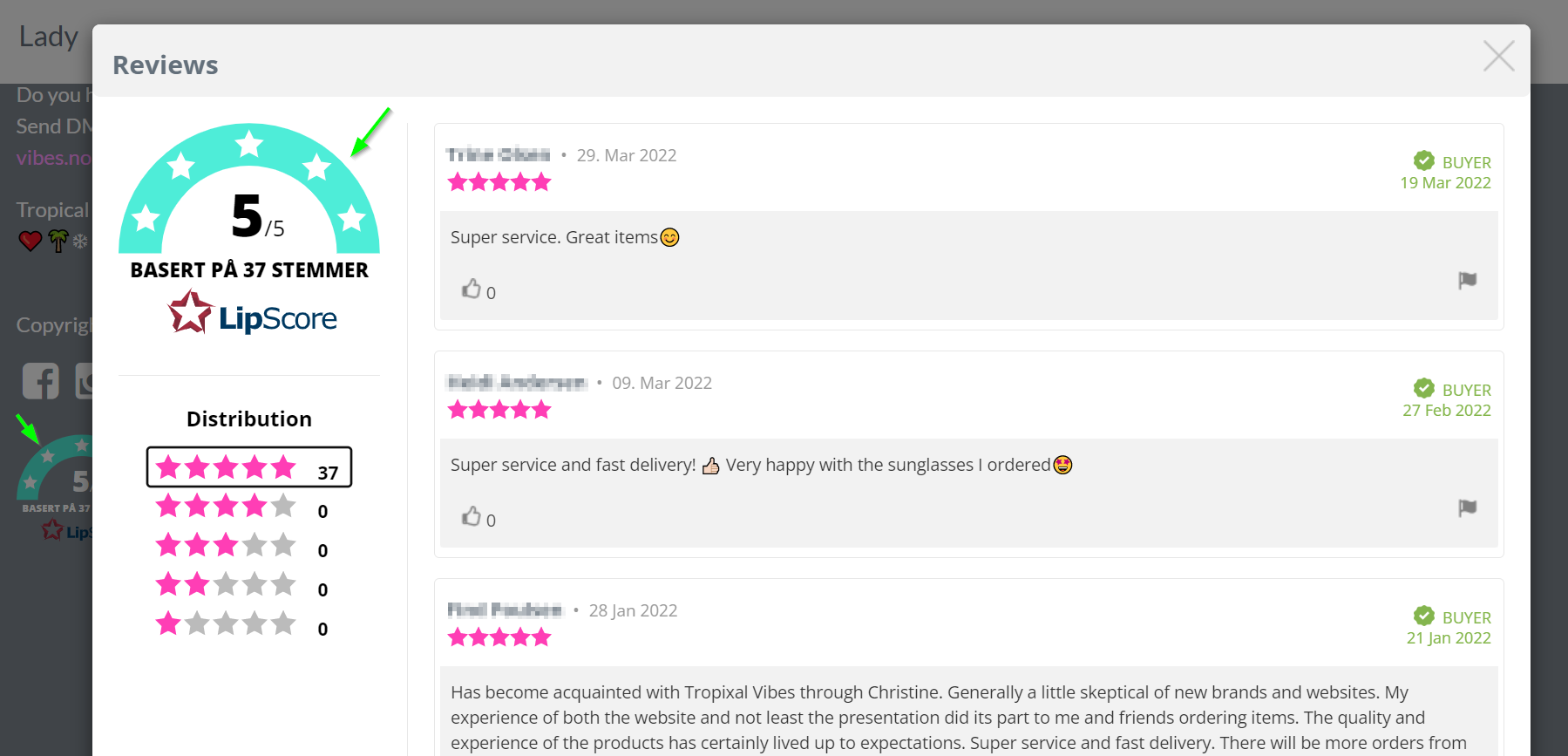
Reviews window showing a customized turquoise rating badge and pink rating stars alongside the rating distribution and customer reviews.
Change the colour of the heading on reviews landing page 

Paste the color code after #, copy the whole code and paste it in the Themes code box.

/* Changed Thank you colour on landing page */ 
.lipscore-reviews-modal-thank {
color: #000000;
} 

How it should look in the Themes code:
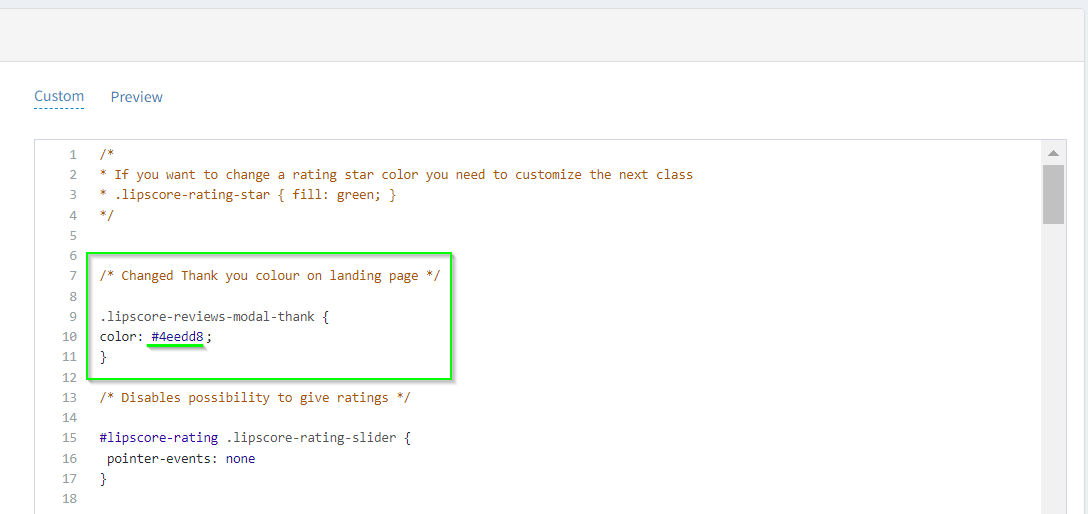
Custom CSS editor showing the review landing page “Thank you” text color customized using the .lipscore-reviews-modal-thank class.
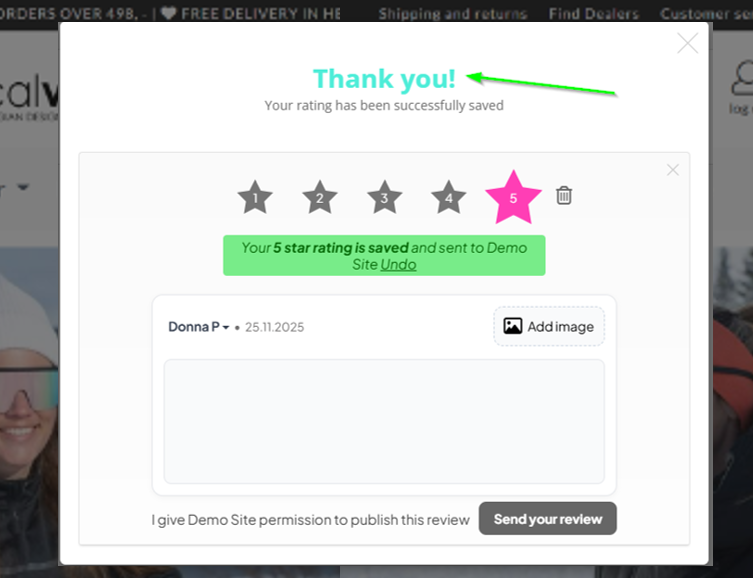
Review form showing the customized turquoise “Thank you!” text after a 5-star rating is submitted.
Other CSS customizations

There is a number of other changes that can be done to the design of Lipscore widgets. If you know how to code, CSS is the limit. If you don’t, you can reach out to the Lipscore team for a quote on additional changes to the widgets that you would like to introduce.

Examples of advanced customizations

Christiania-belysning.no
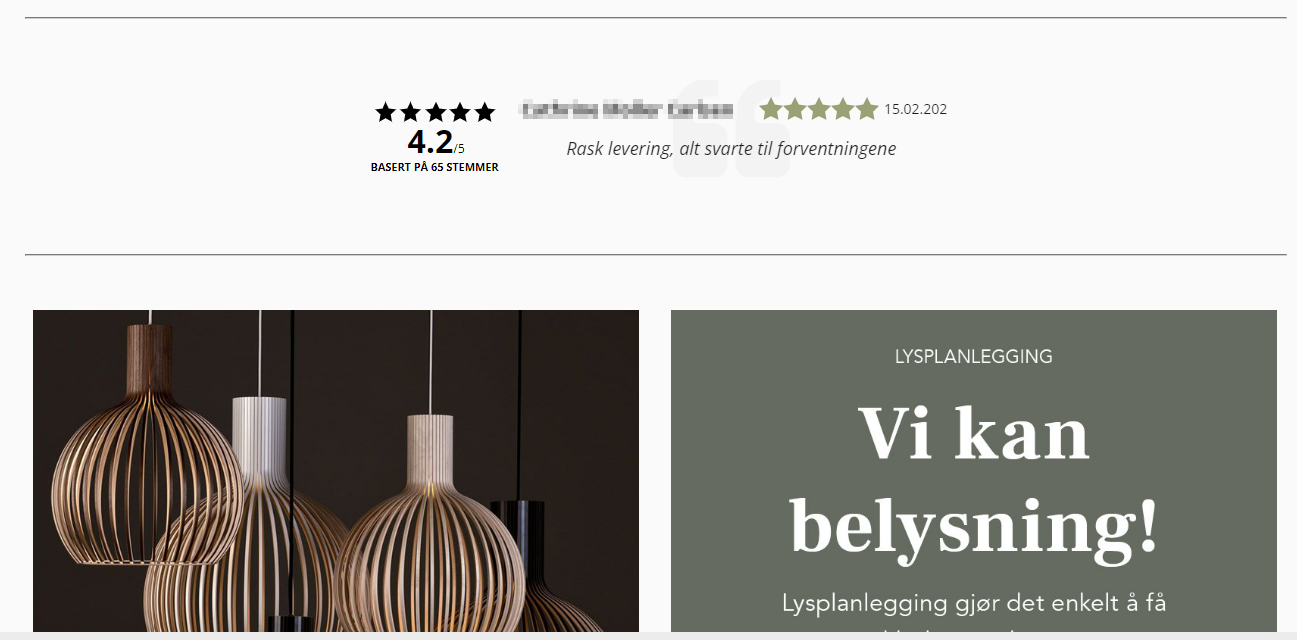
Website showing a service review widget with an average rating of 4.2 out of 5 and a featured customer review.

Apofemme.se

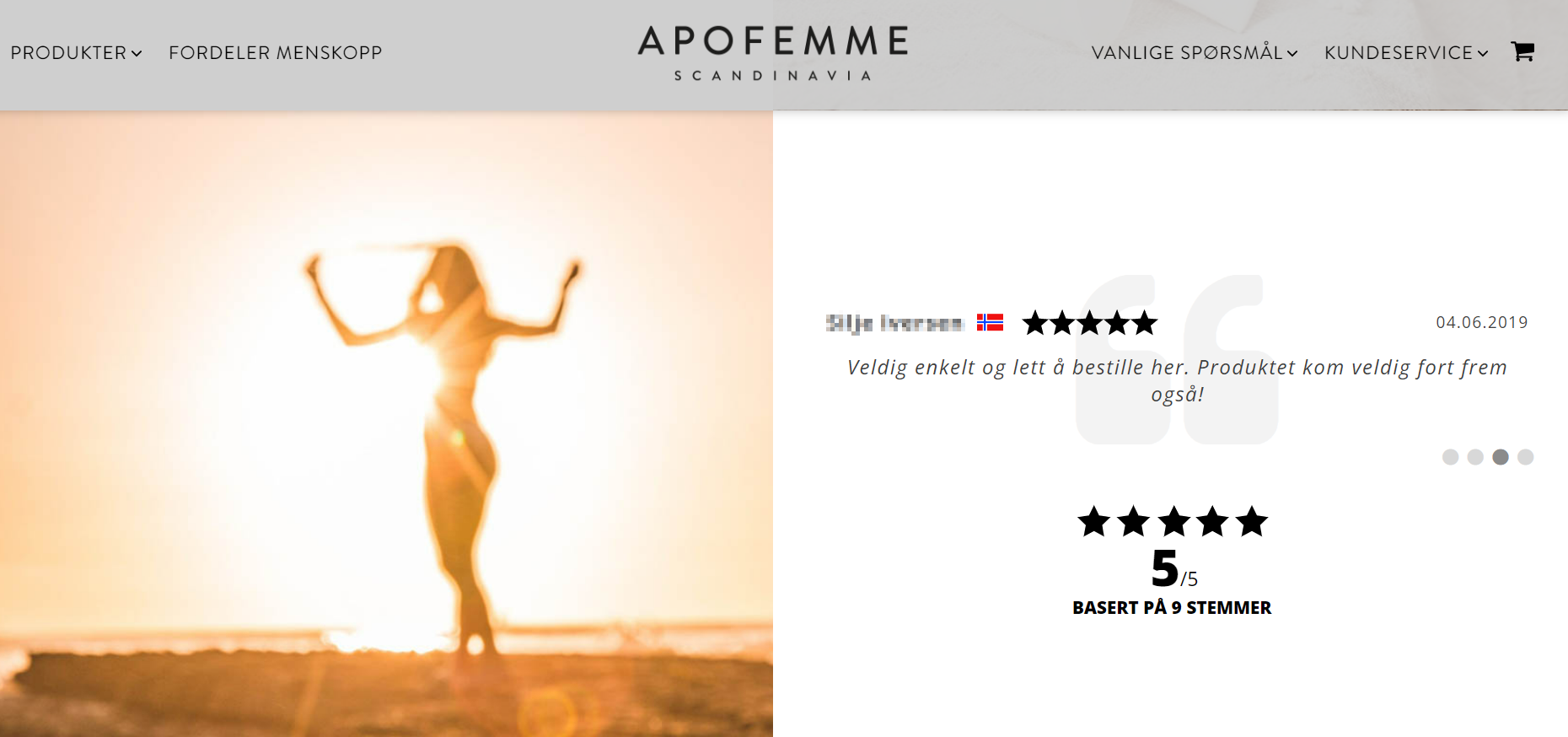
Website showing a service review widget with a 5 out of 5 rating and a featured customer review.

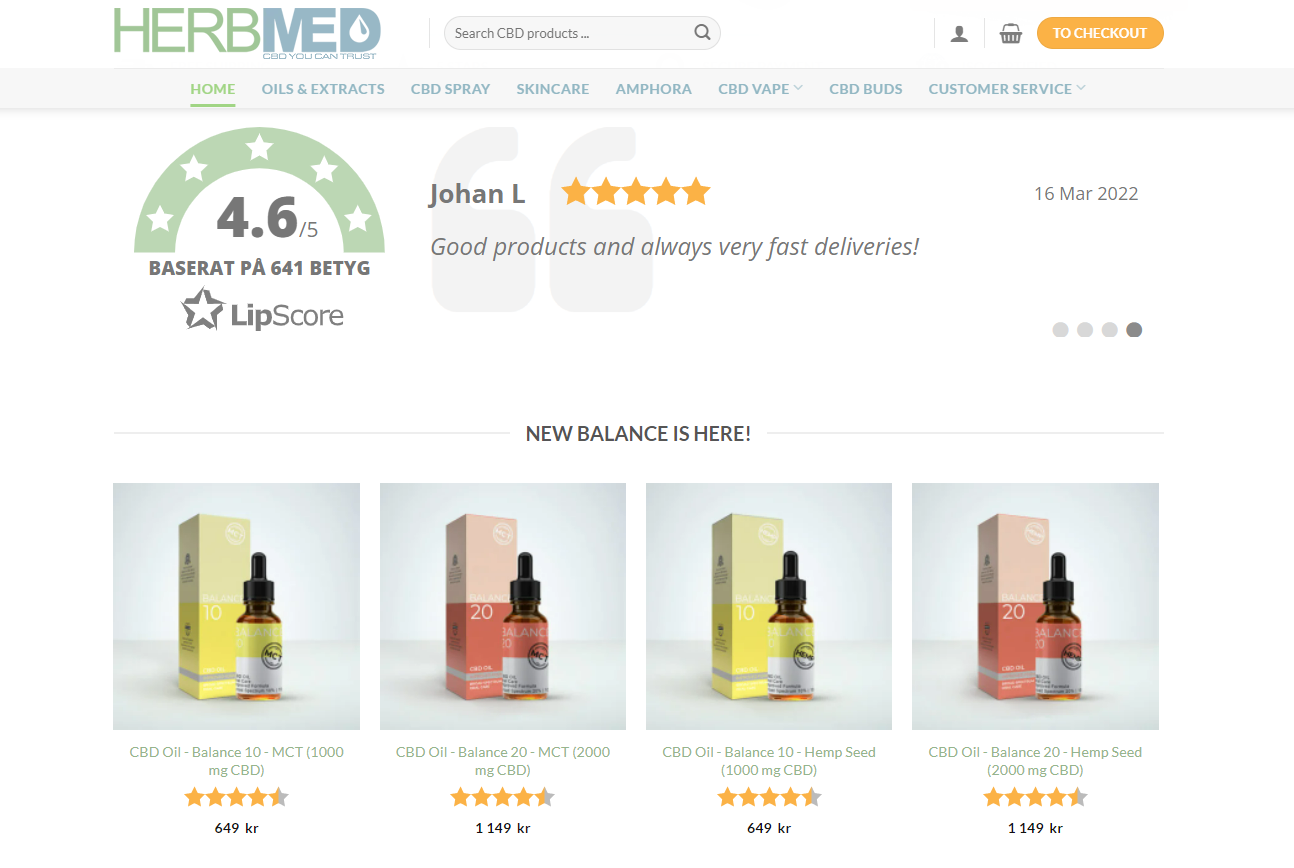
Herbmed.no

Website showing a service review widget with a 4.6 out of 5 rating and a featured 5-star customer review.

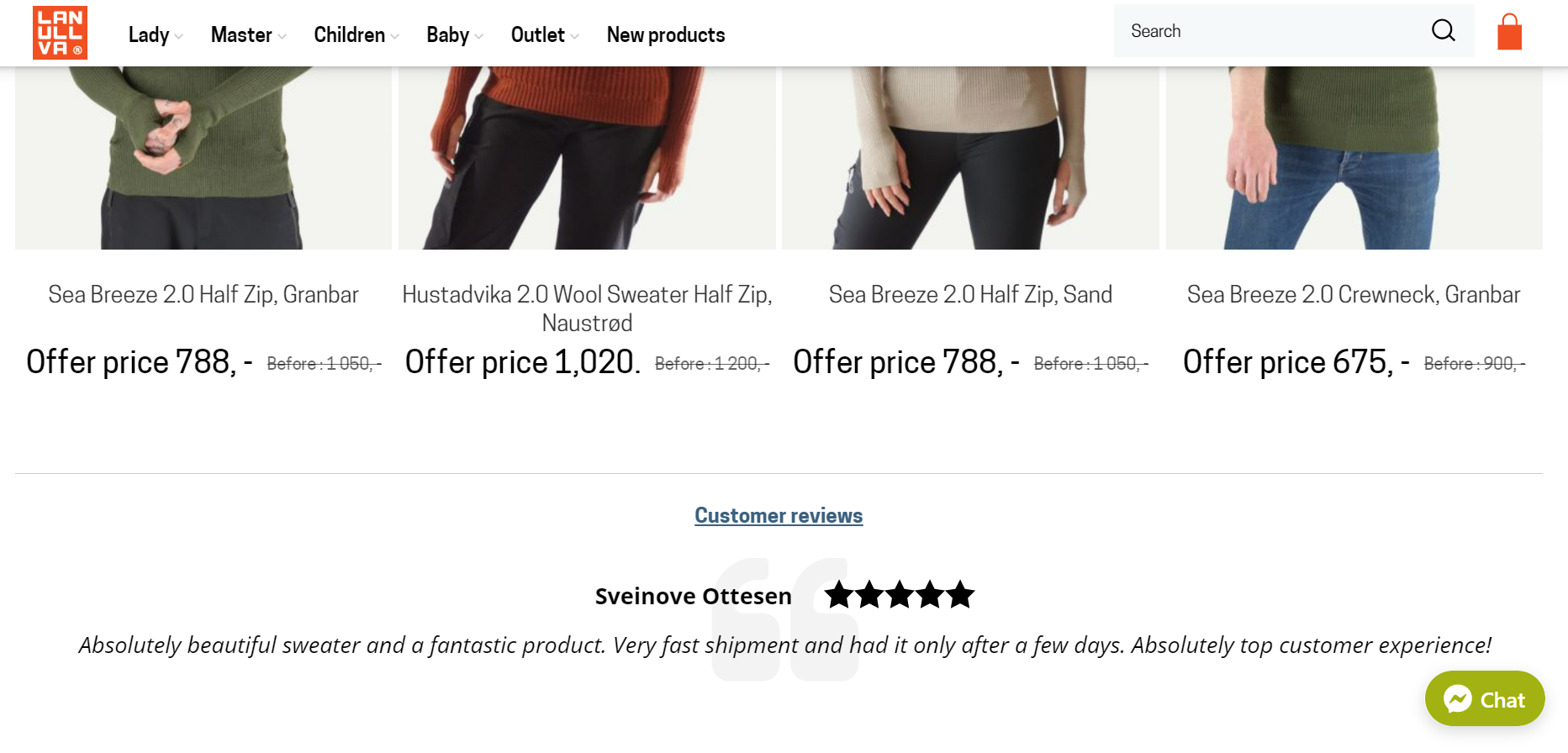
Lanullva.no

Website showing a customer reviews section with a featured 5-star review below the product listings.

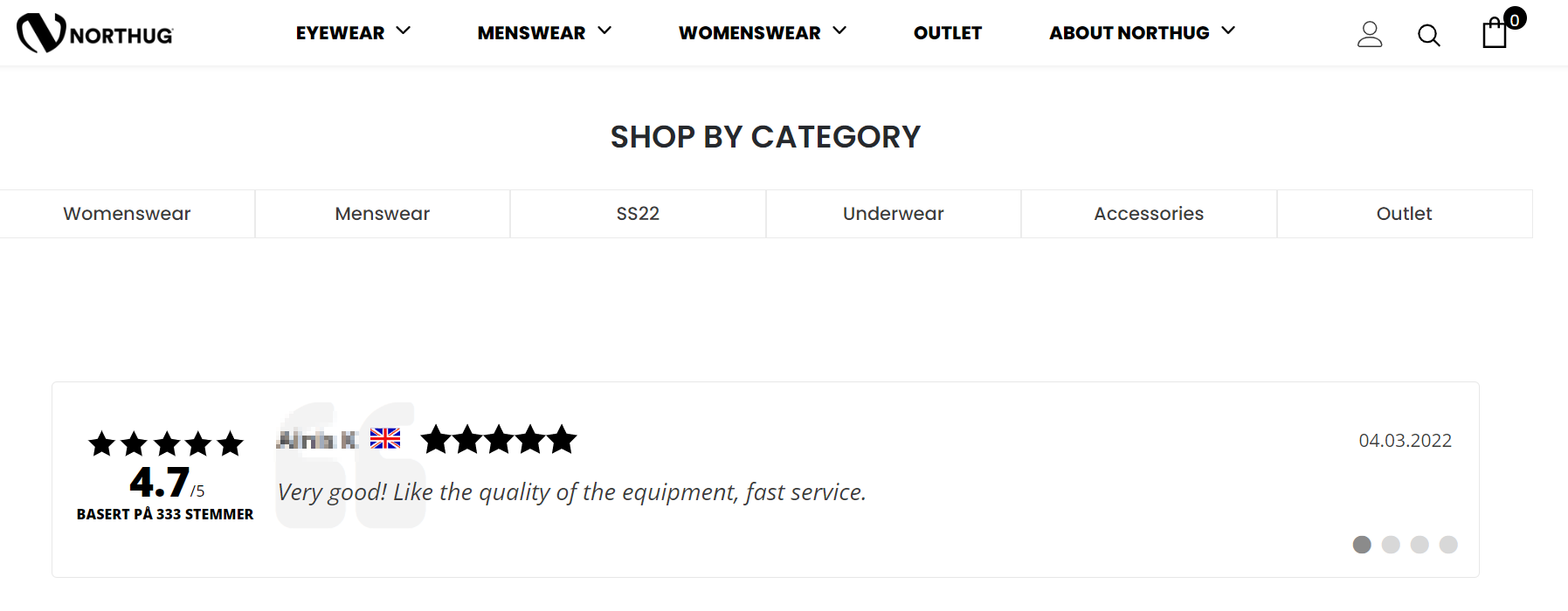
Northug.com

Website showing a service review widget with a 4.7 out of 5 rating and a featured 5-star customer review.

Table of Contents

Get the latest news, tips & resources.

Straight to your inbox monthly.
Get the latest news, tips & resources.

See Real Reviews™ by Lipscore in action.

Discover how Lipscore helps you:

  • Get more ratings and verified reviews through high response rates
  • Increase visibility in Google and AI-powered search
  • Build trust that boosts conversions and sales
  • Scale globally with automatic review translations

Get more verified customer feedback than you ever thought possible.

Book a demo to see how - no commitments, just valuable insights.

G2 Lipscore rating 4.5 stars, read more